
This article will show you how to add a new team member or user to your HubSpot Portal.
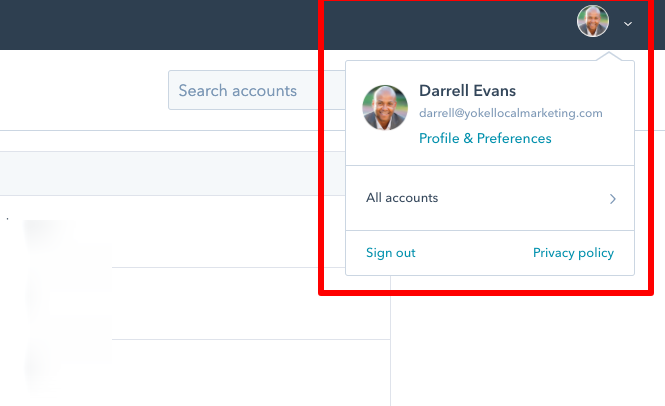
Step 1: After logging in, click on your profile picture and select, "Profiles & Preferences."
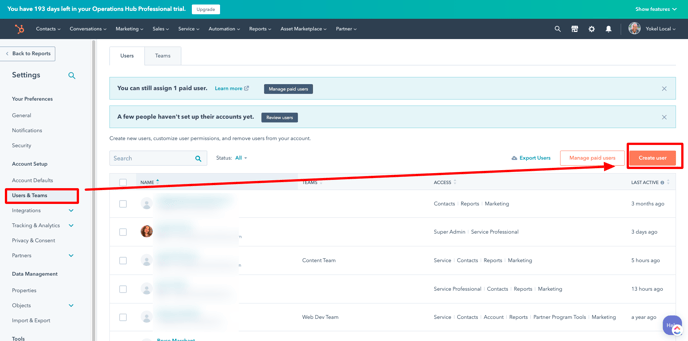
Step 2: Click "Users & Teams" on the navigation column on the left.
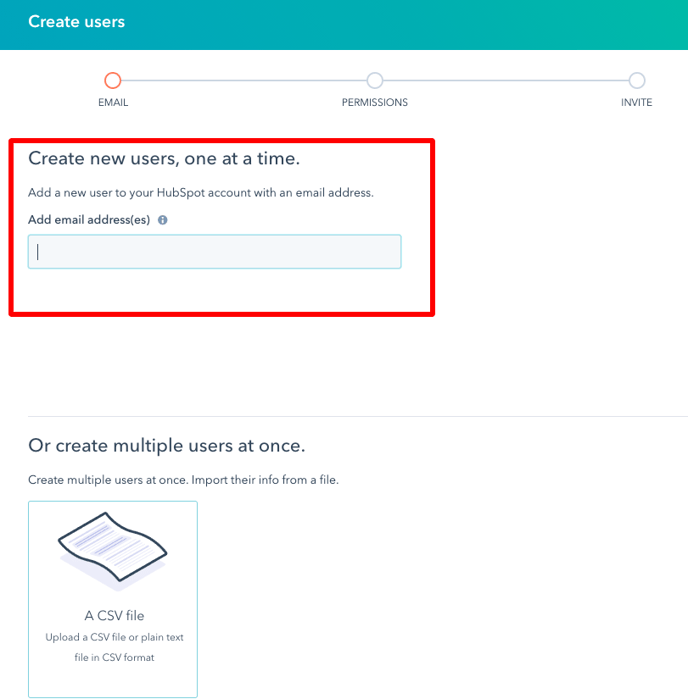
Step 3: Enter the email address of the new user one at a time or add multiple users at once.
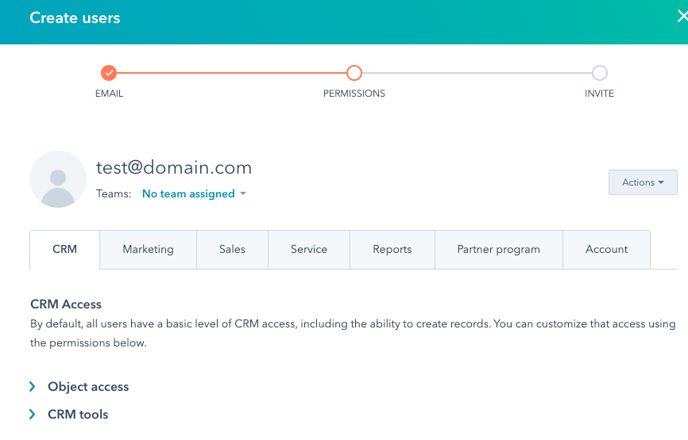
Step 4: Assign Permissions
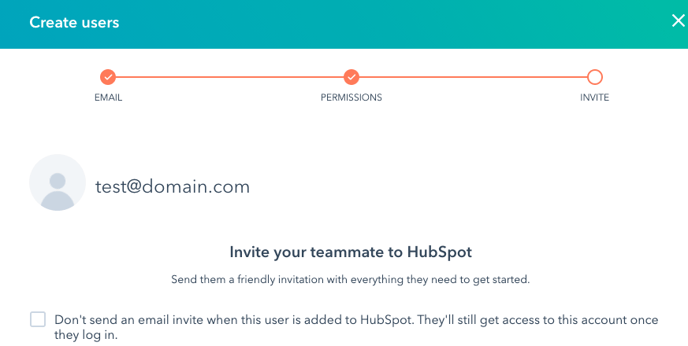
Step 5: Invite your new teammate to HubSpot.
That's it.